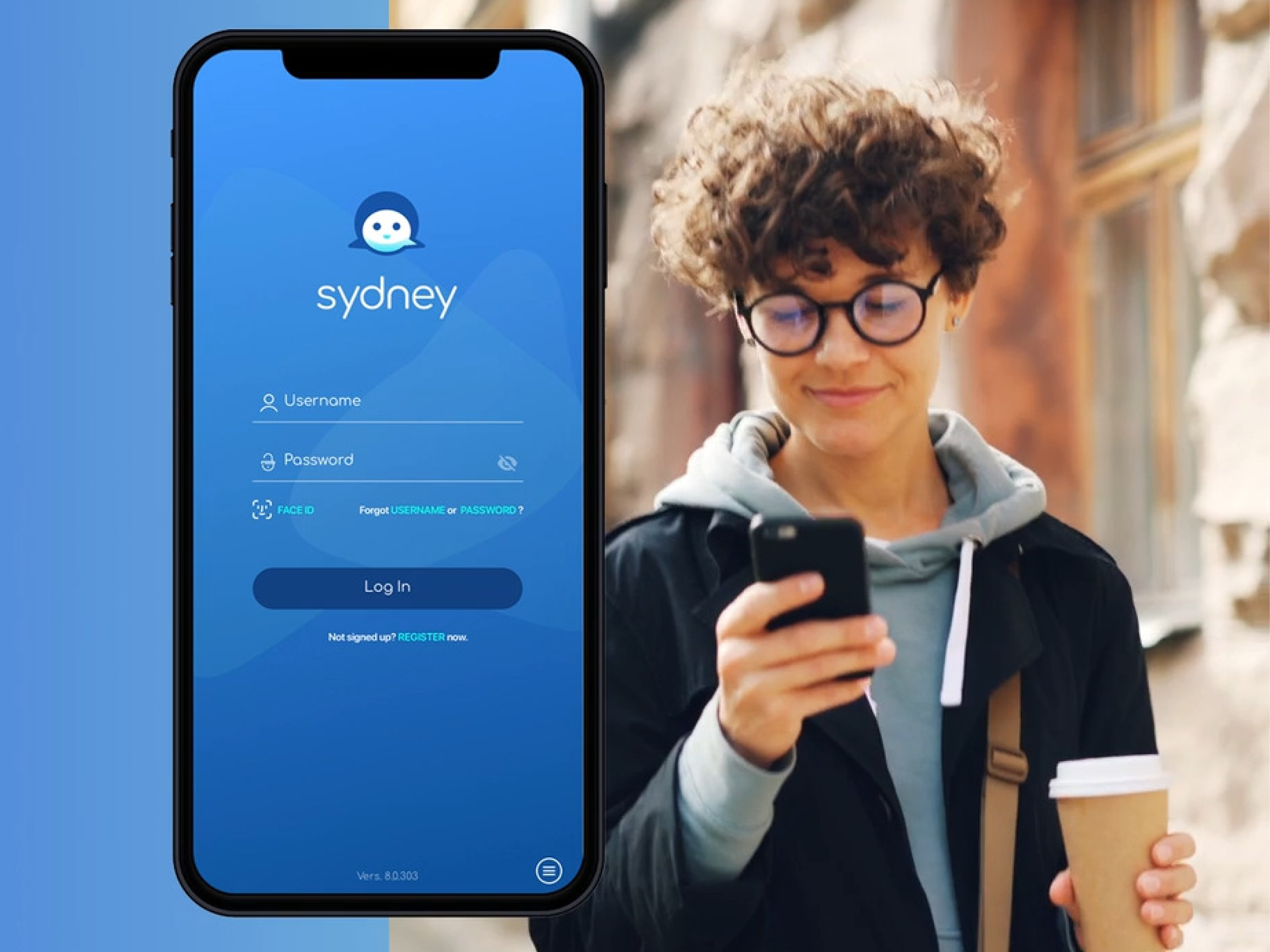
Sydney Health Live Chat

Sydney Health Live Chat

Sydney Health app for Blue Cross Blue Shield members. Designed end-to-end in-app live chat (iOS/Android) replacing 12min phone holds. Results: 50K+ interactions in first 6 months, 35% churn reduction, significant cost savings without added headcount.

Lead Product DesignerSydney Health20246 Months
Sydney Health walkthrough screens
Key screens from Sydney Health app

Overview

The Problem

Members had one option when they needed help — call and wait. Average hold time was 12 minutes. Claims were confusing, physician access felt impossible, and members were leaving. Customer service was costing Sydney Health $2.5M a year and churn was running 35% above industry average.

Research

Research stats cards on dark background
key metrics: 78% of members wanted real-time support but had no in-app option, 12-minute average hold time prior to this feature, and a 35% churn rate above industry average

25 interviews across younger and elderly members, CS call log analysis, and user surveys revealed two dominant issues: long phone wait times and confusion around claims. Older users additionally highlighted usability barriers in the interface, including small font sizes, limited tap targets, and difficult navigation. The findings pointed to two distinct problems requiring a single, unified solution.

Key Design Decision 1 — Contextual Chat Entry

Contextual chat entry before/after iPhone screens
Side-by-side comparison of old vs new claims support flow: the old screen forces users to exit the app via a “Contact Us” link and repeat details over the phone, while the new screen introduces an in-app chat button that opens directly into a contextual chat with the claim details preloaded, enabling seamless, no-repetition support.

This was the most impactful single decision. Chat didn't open as a generic support window — it opened knowing exactly what the member was looking at. Average resolution time dropped from 12 minutes to under 2.

Key Design Decision 2 — Pre-Populated Member Data

Pre-populated member data chat opening
Screen showing chat initialization with subtle loading animation that pulls in member data (name, plan type, active claims count, primary physician) Includes a small inset of the agent view already populated with the member’s profile, plan details, and current screen context before the conversation begins.

Members were repeating themselves to every agent on every call. Pre-populating member data from their profile and backend records into the chat session cut resolution time by 25% and came up as the most appreciated dett-launch feedback.

Key Design Decision 3 — Security as a Visible Design Element

Security consent screen
Screen showing chat initiation with a single, clean consent and security step before entry, featuring three icons: “End-to-end encrypted,” “Verified with biometrics (Face ID),” and “HIPAA compliant,” followed by a primary button labeled “Start Secure Chat,” designed as a reassuring, streamlined pre-chat security screen.

HIPAA compliance meant every interaction needed an audit trail and encryption from day one. Rather than burying security in settings, I made it visible at the moment members needed reassurance most — right before they shared sensitive health information. Trust scores went up 32% and the feature passed third-party HIPAA review without changes.

Accessibility

Standard vs accessible chat screens
Two screens labeled “Standard” and “Accessible,” showing the same layout; the accessible version increases text size, tap targets, contrast, and adds a more prominent voice input.

Elderly members struggled with the existing app across the board. After Maze testing surfaced a 45% improvement in task success with larger targets and voice input, both became standard in the accessible variant — toggleable from the chat initiation screen. Accessibility improvements measured at 40% post launch.

Full Chat Flow

Full chat flow screens
Four-screen journey: claims detail with contextual chat entry, a security consent screen (encrypted, biometric, HIPAA), an in-chat view with claim context and document sharing, and a final resolution screen with a summary card, next steps, and a simple “Was this helpful?” feedback prompt.

Results

Results metrics cards
Five bold metric cards on a deep navy background. Large numbers, context labels beneath each. "50K+" — interactions in first 6 months. "12 min → under 2 min" — average response time. "↓35% Churn" — reduction in member churn post launch. "↑40% Accessibility Score" — measured post Maze testing and launch. "↓25% Complaints" — reduction in support complaints within six months.

What I Learned

Context is the feature. Opening a chat that already knows what the member is looking at did more for resolution time than any UI optimisation. Reducing what members had tign work.
Making security visible built trust instead of eroding it. Members felt safer seeing encryption confirmed than they would have felt not seeing it at all.
Testing with elderly users early changed the entire accessibility approach. They weren't an edge case — they were the stress test that made the experience better for everyone.